
The Instant Pot is a versatile kitchen appliance, but encountering a burn error can be frustrating. This guide provides clear, safe, and effective steps to identify causes and fix the burn warning, helping you get back to cooking quickly and safely.
Understanding why this error occurs and how to resolve it will save you time and prevent potential damage to your appliance. Follow these practical steps to troubleshoot and maintain your Instant Pot efficiently.
Key Takeaways
| Common Cause | Food sticking or burning on the bottom |
| Immediate Action | Release pressure and check for burnt food |
| Preventative Tip | Avoid overfilling or thickening liquids too much |
| Cleaning Tip | Regularly clean the sealing ring and inner pot |
| Component Check | Ensure sealing ring and lid are properly fitted |

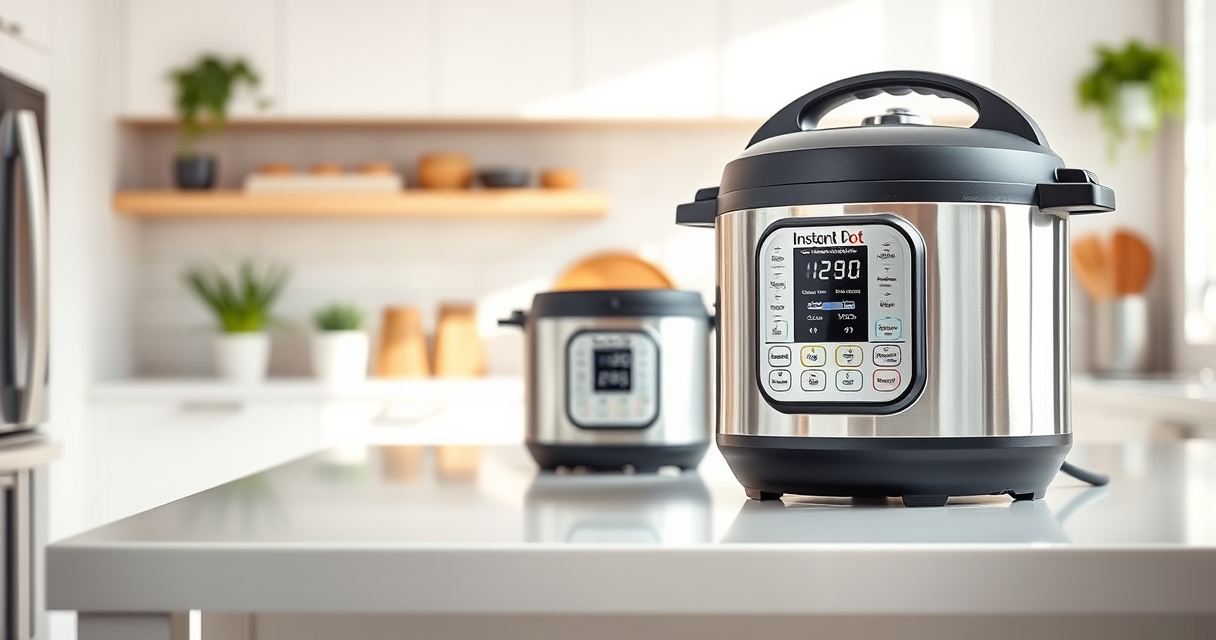
Instant Pot 4QT RIO Mini 7-in-1 Multi-Cooker, Pressure Cooker, Slow cook, Sauté, Steam, Rice Maker, Yogurt, & Warmer, Black, 4 Quarts
- 7-in-1 Multi-Cooker: Pressure, slow, sauté, steam, rice, yogurt, warm
- Compact and Space-Saving: Mini size with full cooking surface
- Ideal for Small Meals: 4-quart capacity for up to 4 servings
As an affiliate, we earn on qualifying purchases.
Step 1: Turn Off and Release Pressure
- Press ‘Cancel’ to stop cooking.
- Carefully turn the steam release handle to ‘Venting’ to release pressure manually.
- Wait until the float valve drops, indicating pressure is released.
Step 2: Open the Lid and Inspect
Once pressure is fully released, open the lid carefully. Check the inner pot for signs of burnt food or residue that may have caused the error.
Step 3: Clean Burnt Food and Components
- Remove the inner pot and clean it thoroughly with warm soapy water.
- Inspect and clean the sealing ring and lid gasket, ensuring no food debris obstructs the seal.
- Wipe the heating element and underside of the lid if necessary.
Step 4: Adjust Ingredients and Cooking Settings
Ensure you’re not overfilling the inner pot. Use enough liquid to prevent burning, typically at least 1-1.5 cups of liquid depending on the recipe.
Set your cooking time appropriately, avoiding overly thick sauces or foods that could stick to the bottom.
Step 5: Restart and Monitor
- Secure the lid properly, ensuring the sealing ring is correctly in place.
- Select your desired cooking function and start again.
- Monitor the process initially to ensure no burn warning appears.
The Products in This Guide

Instant Pot 4QT RIO Mini 7-in-1 Multi-Cooker
- ✔ Capacity: 4 Quarts
- ✔ Functions: 7-in-1
- ✔ Design: Anti-spin

AOZITA Steamer Basket
- ✔ Material: Stainless Steel
- ✔ Size: 2-tier
- ✔ Compatibility: 6/8 Qt
Instant Pot 4QT RIO Mini 7-in-1 Multi-Cooker
The Instant Pot 4QT RIO Mini is a versatile, space-saving appliance with 7 cooking functions, ideal for small families and limited kitchen space. Its anti-spin design helps prevent food from sticking, reducing burn errors when used properly.
Pros:
- Compact size fits small kitchens
- Multiple cooking functions
- Easy to clean and operate
- Good for small servings
Cons:
- Limited capacity for large meals
- Requires careful ingredient management
- Potential for burn errors if overfilled
Best for: Small households, quick meals, space-conscious cooks
Not ideal for: Large families or extensive cooking needs
Bottom line: A compact, multi-functional cooker perfect for small kitchens and quick meal prep.
AOZITA Steamer Basket
The AOZITA Steamer Basket offers a versatile addition to your Instant Pot, allowing you to steam vegetables, eggs, and more simultaneously. Its two-tier design maximizes cooking efficiency.
Pros:
- Two-tier stackable design
- Made of durable stainless steel
- Compatible with 6 and 8 quart models
- Easy to clean
Cons:
- Requires space in the pot
- May need careful handling when hot
- Not suitable for very large items
Best for: Steaming vegetables, eggs, seafood, and small meals
Not ideal for: For large roast or bulky items
Bottom line: A practical accessory that boosts your Instant Pot’s versatility for steaming and multi-layer cooking.
Frequently Asked Questions
Why does my Instant Pot show a burn error?
It typically occurs when food sticks to the bottom, the pot is overfilled, or the ingredients are too thick or sticky, preventing proper heat distribution.
How can I prevent burn errors?
Use enough liquid, avoid overfilling, stir ingredients thoroughly, and ensure the sealing ring is clean and properly fitted.
Is it safe to continue cooking after a burn error?
Yes, but only after releasing pressure, cleaning the pot, and adjusting your ingredients or settings to prevent recurrence.
Can I use the Instant Pot without the sealing ring?
No, the sealing ring is essential for creating the pressure seal. Ensure it is correctly installed and in good condition before cooking.
Getting Your Instant Pot Back on Track
Burn errors are common but manageable with proper cleaning, ingredient management, and cautious cooking. By following these steps, you can troubleshoot effectively and keep your Instant Pot functioning safely and efficiently.
Regular maintenance and mindful ingredient choices will help prevent future burn warnings, ensuring your appliance remains a reliable part of your kitchen.
Affiliate disclosure: As an Amazon Associate we earn from qualifying purchases. Prices and availability are accurate as of the time of publishing.